ReoVault
Unofficial, independent project
ReoVault itself is not affiliated with, endorsed by, or sponsored by Reolink. "Reolink" and any related names, logos, or trademarks belong to their respective owners and are used here only to describe device compatibility. ReoVault talks to cameras through Reolink's own official reolink-cli tool (published under the reolink GitHub organization), never a reimplementation of Reolink's protocol.
Local-first, self-hosted archiving of Reolink camera recordings: pulls recordings off the camera's SD card before the loop-overwrite eats them, verifies them, encrypts them at rest, and stores them durably.
Recordings stay on the camera's own storage day to day; ReoVault periodically pulls them onto your own storage, so you keep a durable, encrypted copy that doesn't depend on the SD card's limited retention.
Why
Reolink cameras record to a microSD card that loop-overwrites once it fills up. Without something pulling recordings off before that happens, older footage is gone permanently, with no local or durable archive of what the camera saw.
Core requirements
- Reliability: network failures, interrupted downloads, camera restarts, and process restarts are treated as normal conditions, never as reasons to lose data already archived.
- Deduplication: a recording already archived is never re-downloaded.
- Integrity verification: archived files are periodically re-verified (checksum + decrypt) so bit rot is caught while a copy still exists elsewhere.
- Encrypted storage: recordings are encrypted at rest with a passphrase-wrapped master key.
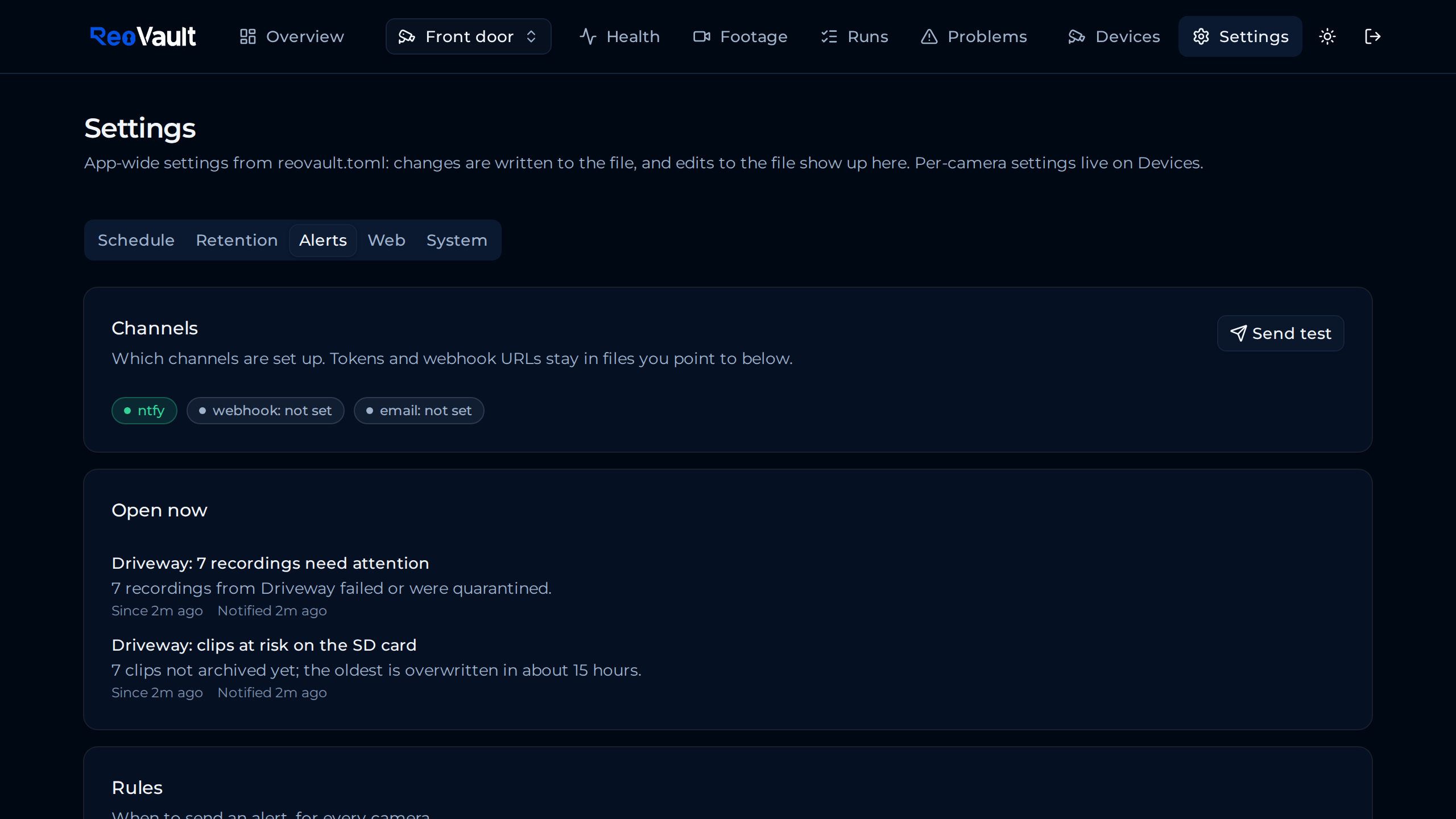
- No silent failure: alerts (ntfy, webhook, email) when a run fails, recordings need attention, clips on a camera's SD card are at risk of being overwritten before they're archived, or the camera gateway is down.
Architecture at a glance
Camera-specific behavior is isolated behind a provider/adapter boundary,
today's implementation talks to cameras through
reolink-cli, so adding another
camera integration later doesn't touch the archiver, scheduler, storage, or
dashboard. See Architecture for the full picture.
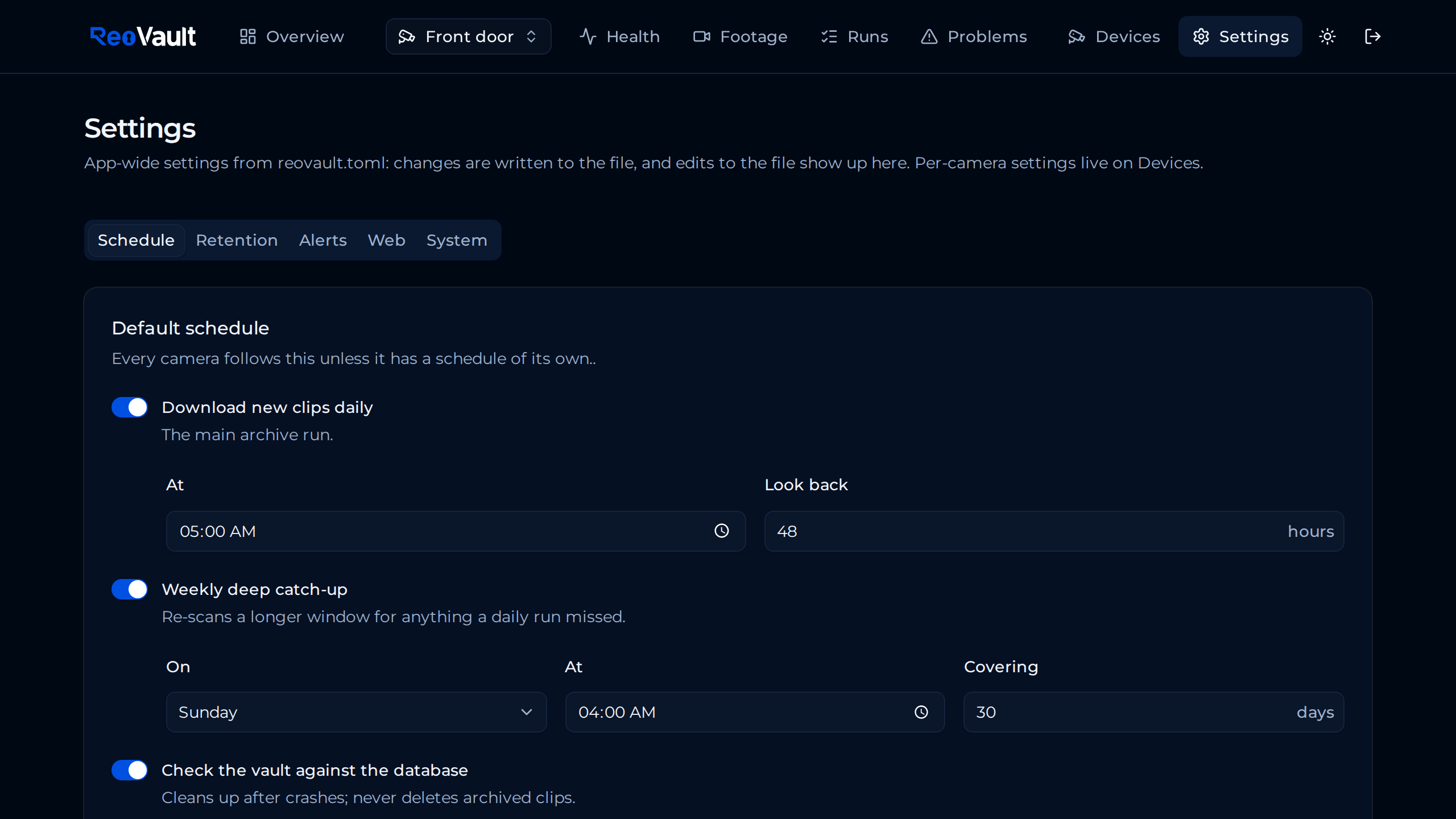
Screenshots
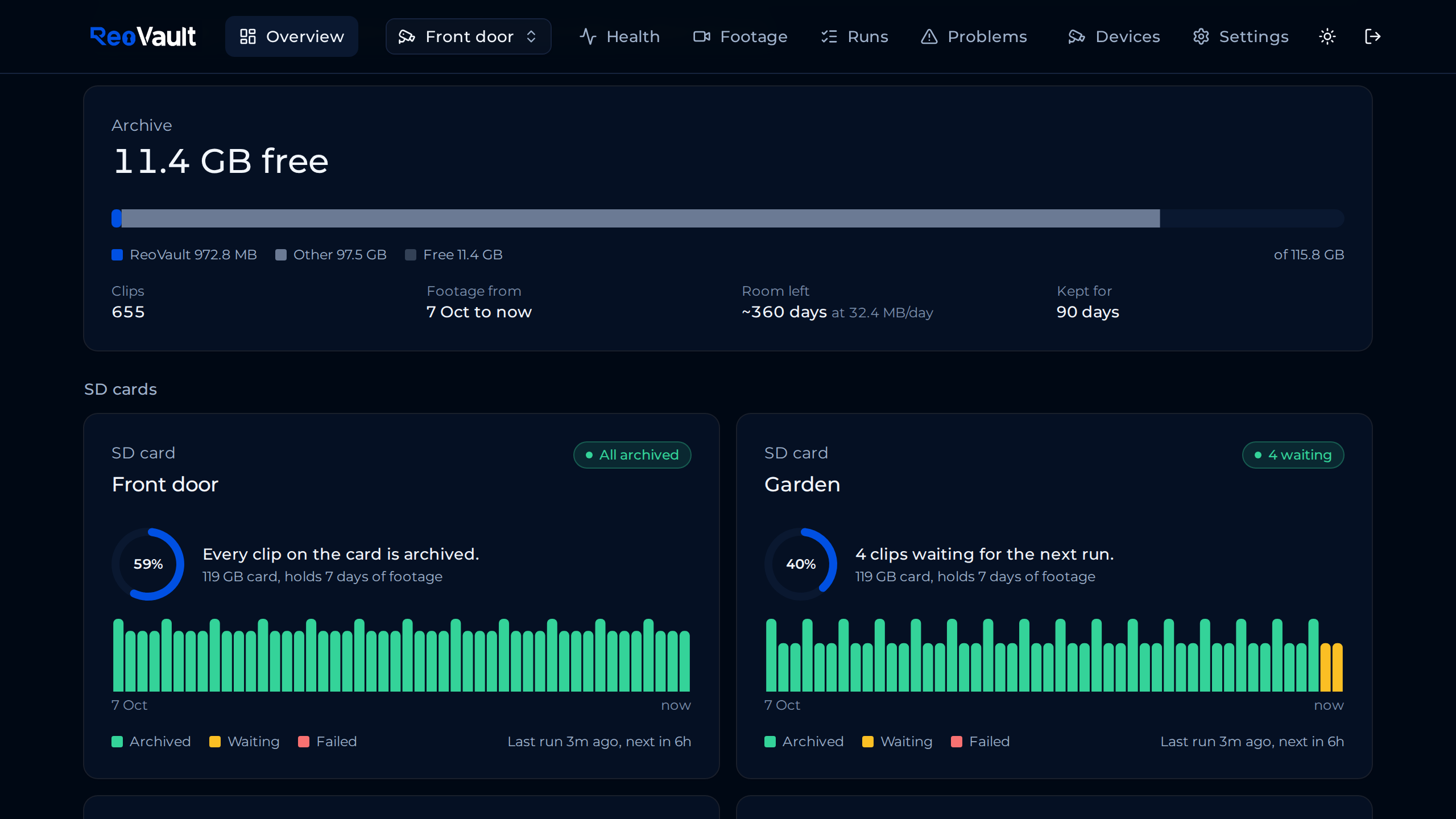 |
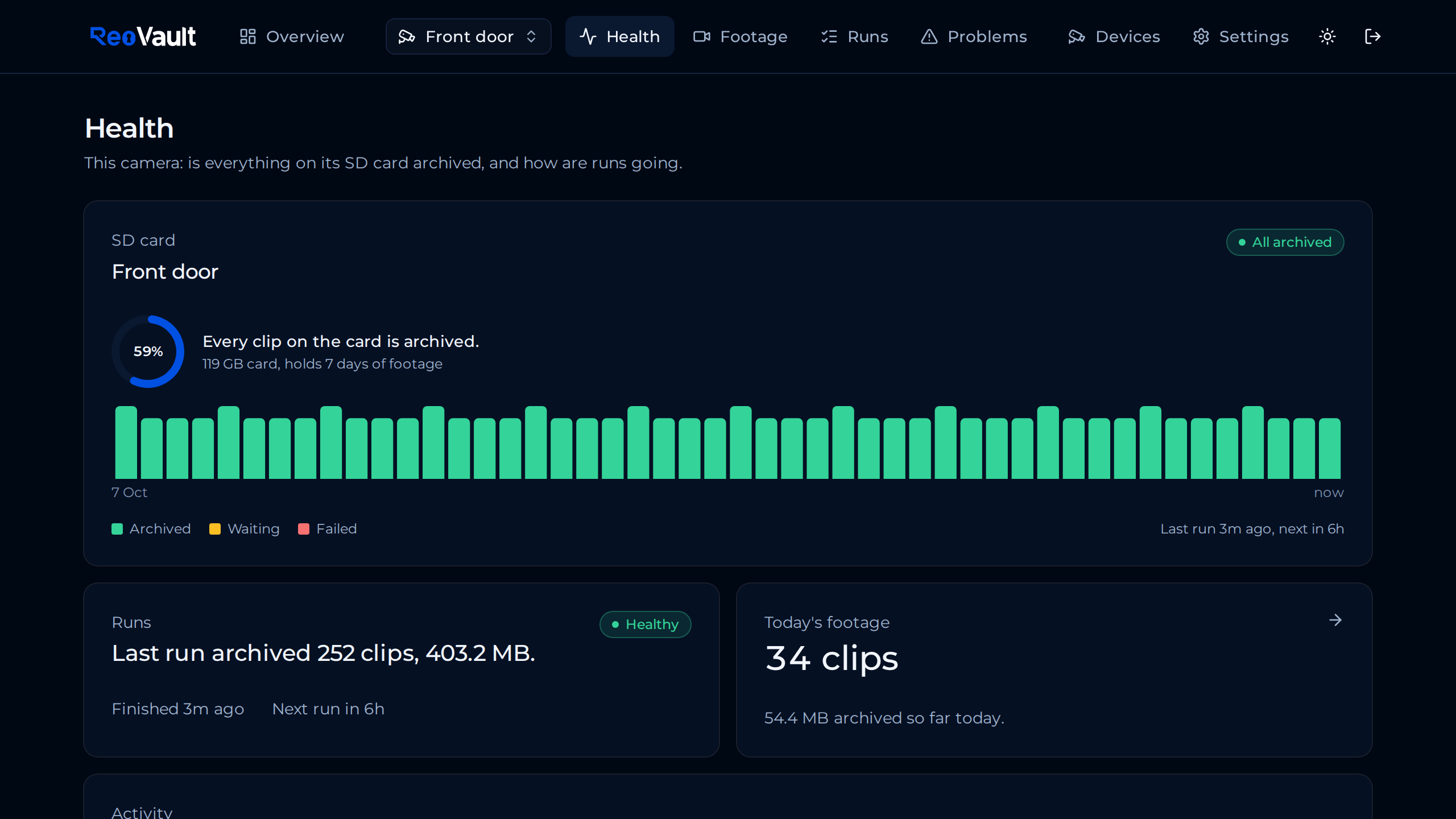 |
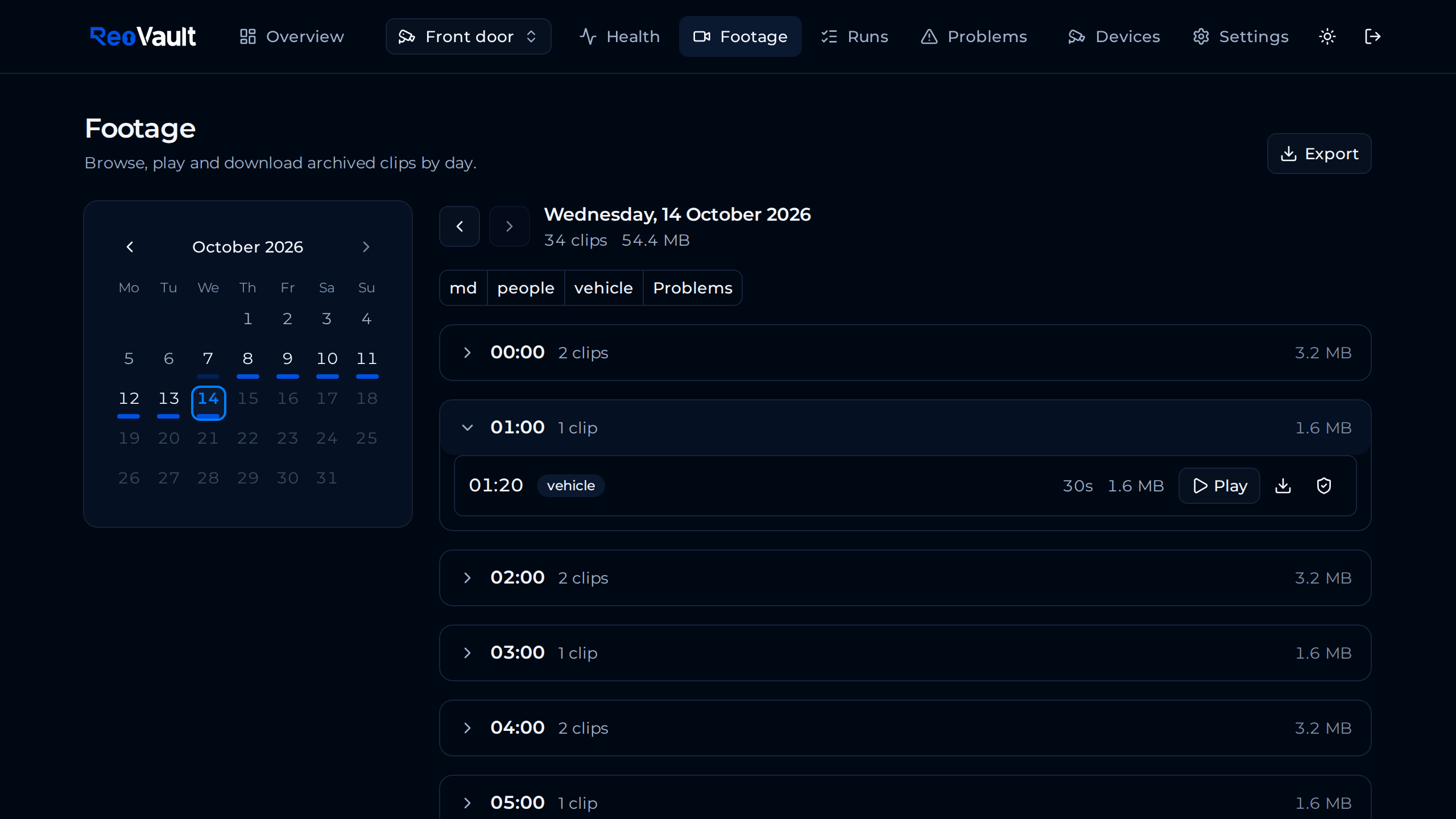 |
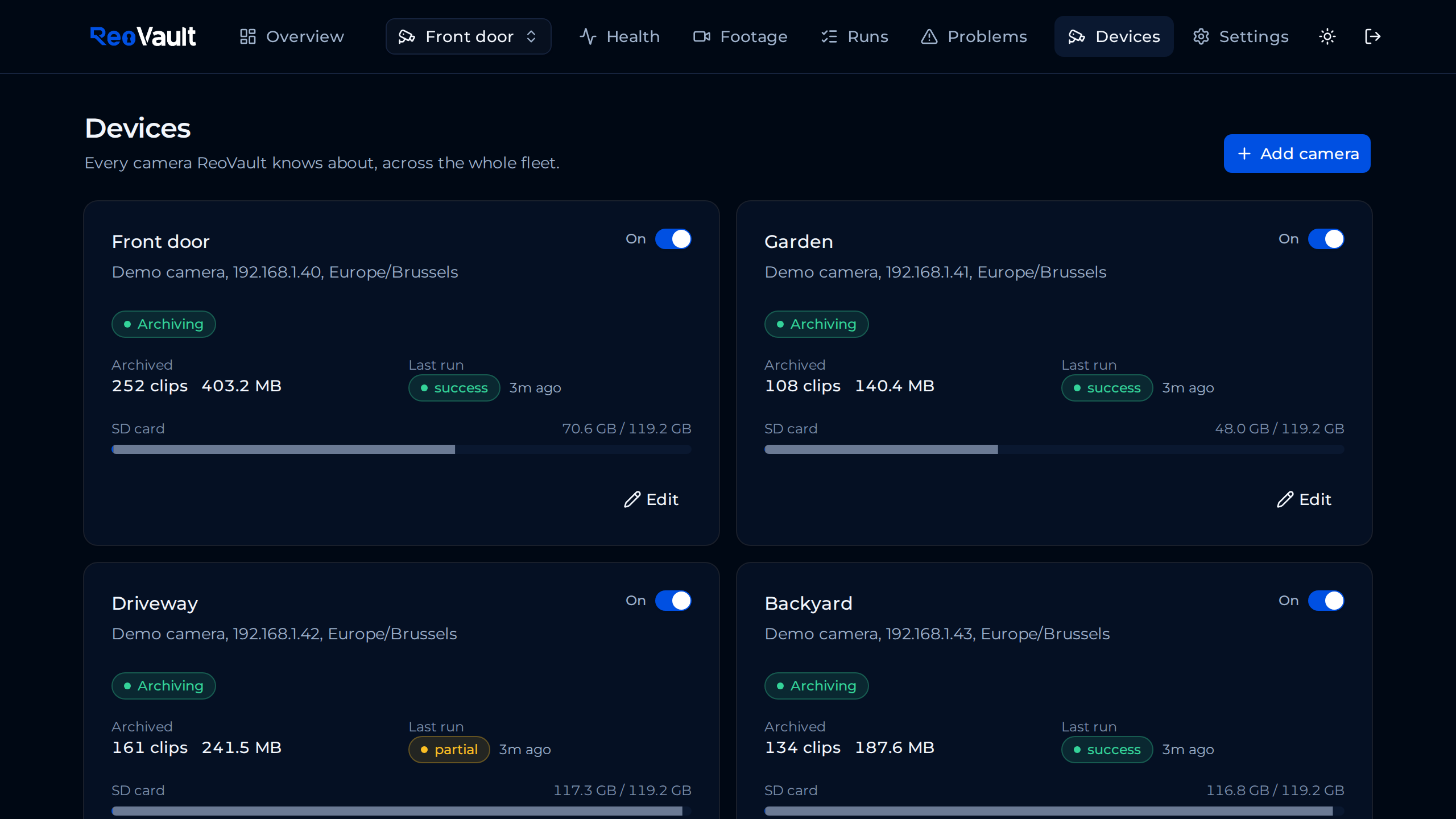 |
 |
 |
Where to go next
- Installation: Docker Compose setup, upgrading, and alerts
- Configuration: every
reovault.toml/ env var option - CLI reference: every
reovaultsubcommand - Architecture: how the pieces fit together
- Security: the encryption model and how to report a vulnerability